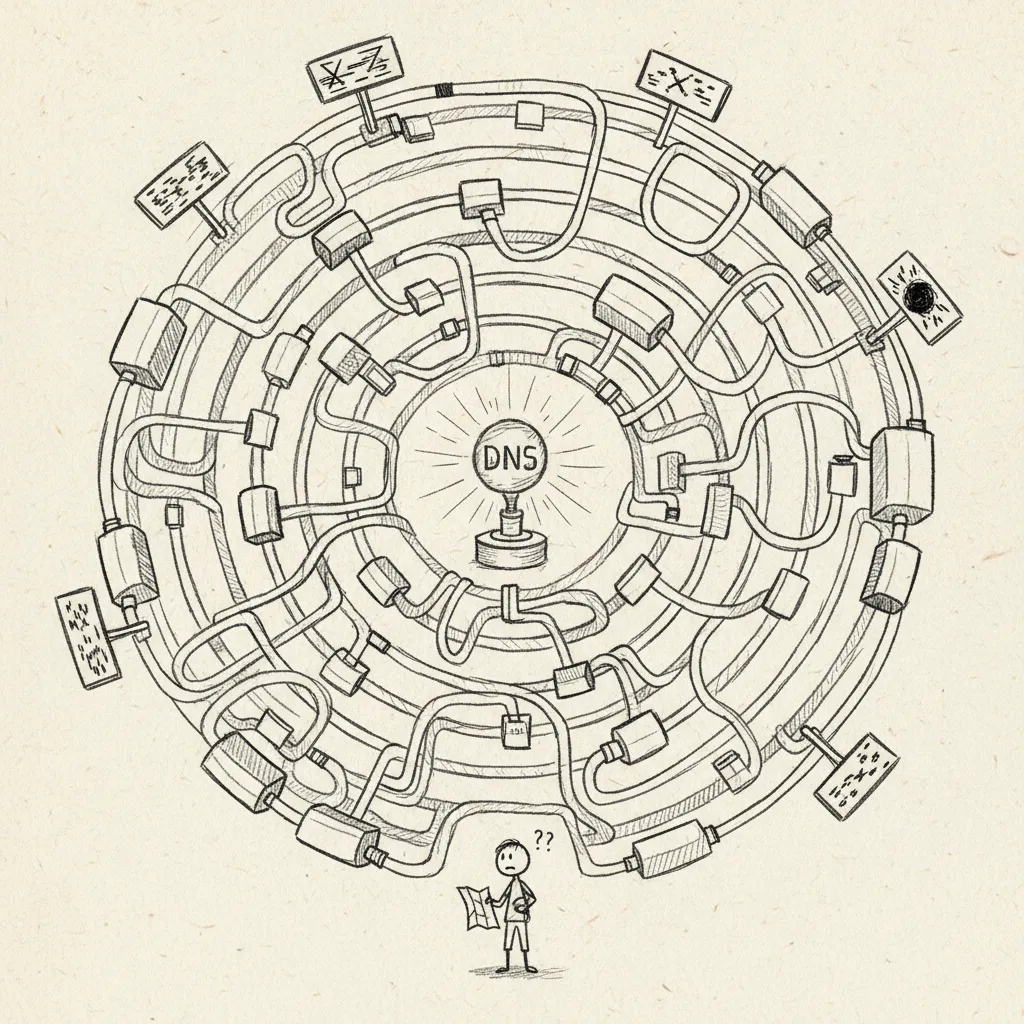
Sanctum is designed to run across multiple physical locations. A primary hub at your main haus coordinates with satellite nodes at secondary properties, mobile nodes on laptops, and sensor nodes for lightweight IoT devices (the RuView door cameras are the first). All nodes share a single instance.yaml configuration and communicate over Tailscale.
The multi-site contract — isomorphic local design maps, name-only hive plane, no L3 merge — lives in Hive Topology. Read that when adding a site or fine-tuning models that must share one mental map.
What you’re looking at is a multi-site distributed system. The kind of thing a mid-sized company might run across three data centers. Except the data centers are hauses, the ops team is one person, and the primary node is next to a coffee maker.
The full-stack primary node. Runs the Mac Mini host with the Ubuntu VM, all AI agents, the Home Assistant gateway, inference servers, and the complete service catalog. There is exactly one primary hub per Sanctum instance; additional peer hubs (tier: peer) may join the hive later without merging LANs — see Hive Topology.
Satellite
A lighter deployment at a secondary haus. Runs a subset of services (typically a gateway, Home Assistant, and a small local model). Syncs configuration and state with the hub over Tailscale.
Mobile
A MacBook Pro or similar portable device. Connects to the hub remotely via Tailscale for agent access, SSH, and API calls. Runs a small set of persistent guardrail daemons (see “Persistent Services Across Hosts” below) but no user-facing primary services.
Sensor
Dedicated IoT or monitoring hardware that reports to the hub without running the full Sanctum stack. The first ones in service are the RuView door cameras (ruview_front, ruview_garage, and friends) — low-power eyes, not brains.
Each node knows who it is through a single-line file at ~/.sanctum/.node_id:
Terminal window
# On the hub:
cat~/.sanctum/.node_id
# manoir
# On the satellite:
cat~/.sanctum/.node_id
# chalet
One file. One word. The machine’s entire sense of self lives in a text file smaller than a tweet. And yet if you delete it, everything stops knowing where it is. Identity is fragile — even for computers.
The identity string must match a key in the nodes section of instance.yaml. Scripts and services use this to determine which configuration block applies to the current machine.
The node key (manoir) is the machine’s name; its type (hub) is its role. Two different words for the same box — a distinction that earns its keep the day you have two hubs.
The hub is the authoritative node. It runs every service, hosts the VM with the agent cluster, and is the source that satellites sync from. In organizational terms, this is the head office, the server room, and the IT department — all running on a machine the size of a hardcover book.
Runs the reasoning agent cluster (5 Jedi on the VM: Yoda, Cilghal, Mundi, Qui-Gon, Windu; Jocasta runs Mac-side and Mon Mothma on manoir, making seven council seats in all)
Hosts the command center dashboard
Manages the Cloudflare tunnel for external access
Runs inference servers (sanctum-mlx, sanctum-mlx-devstral, Sanctum TTS) and the sanctum-server router that fronts them
Acts as the Git and rsync origin for skill updates
Devstral-Small-2-24B-Instruct-2512-4bit on :3301. (Superseded the Qwen2.5-Coder-14B coder seat on :1338, retired 2026-06-07 along with the LM Studio :1234 bridge.)
The Mac Mini hub runs one virtual machine — the Ubuntu agent VM on Lima vmType=vz. Outline and Matrix live inside that guest; Home Assistant lives on the dedicated Green box at 10.0.0.3. The bridge from the Mac host to the VM is bridge100 on a private /24: the Mac is 10.10.10.1, the VM is 10.10.10.10. OrbStack was uninstalled 2026-08-19 and no longer contests anything.
The agent VM was migrated from QEMU/HVF to Lima vmType=vz on 2026-05-10 to end the 370% idle-spin the QEMU/HVF bind was burning (field note). Colima died 2026-04-27; OrbStack died 2026-08-19 (The Engine That Wasn’t There). Guest docker is Lima’s; the host has no container engine.
The Mac Mini starts every service — including the agent VM — without a GUI login. No auto-login, no Touch ID removal, no compromises. The boot graph runs through a small set of system LaunchDaemons in /Library/LaunchDaemons/ and the usual user LaunchAgents:
Phase 1: Guest containers — Lima VM docker brings Outline/Matrix up inside sanctum-vm; host socat forwards :3100 / :6167.
Phase 2: Inference + routing — sanctum-mlx (:1337, mTLS, Qwen3.6-35B-A3B-4bit) and sanctum-mlx-devstral (:3301, Devstral-Small-2-24B-Instruct-2512-4bit, the coder seat since the :1338 Qwen coder + :1234 LM Studio bridge were retired 2026-06-07) load. proxyd on :4040 and sanctum-server on :8900 come up to front them. Both MLX seats load as user LaunchAgents (com.sanctum.mlx, com.sanctum.mlx-devstral-rust), not system daemons.
Phase 3: Agent VM — Lima starts the Ubuntu VM; the vmnet bridge is set up via socket_vmnet; the host IP is pinned to 10.10.10.1; the boot path waits for VM SSH before declaring success.
Phase 4: SSH + bridges — apple-post-boot.sh loads SSH keys from Keychain via ssh-add --apple-load-keychain; socat proxies stitch VM-side requests to Mac-side services (Firewalla, MLX coder, SanctumBridge).
Five P0 services (force-flow, proxyd, watchdog-rust, ha-gateway, firewalla) were promoted from user LaunchAgents to system LaunchDaemons in 2026-05-07/08 (field note). They survive any reboot pattern, including a missing /etc/kcpassword. The MLX seats stayed user-domain on purpose: a model that can’t reach the user’s Keychain boots into a brick, so they wait for login state rather than racing it.
Terminal window
# The whole boot graph is one script, run by the bootstrap LaunchDaemon at boot.
# Run it by hand to (re)start every service without a reboot:
macOS Sequoia+ does not auto-load SSH keys into the agent at boot. The apple-post-boot.sh script runs ssh-add --apple-load-keychain to load all Keychain-stored SSH passphrases into the agent. Without this, non-interactive LaunchAgents (SSH tunnels, skill sync, VM health checks) cannot authenticate to the VM.
The SSH config for VM hosts uses IdentityAgent SSH_AUTH_SOCK to ensure they use the system agent, not the 1Password SSH agent (which is the Host * default).
A satellite is a smaller deployment at a secondary location. It runs a gateway with a lightweight local model and its own Home Assistant instance for location-specific devices.
Think of it as a field office. It can operate independently, make local decisions, and keep the lights on — but the real horsepower stays at headquarters. The satellite doesn’t need five AI agents. It needs to control the heat and not die when the internet goes out.
Install macOS on the satellite Mac and join it to Tailscale.
Copy the install bundle (synced via iCloud) and run the setup scripts.
Set the .node_id file to the satellite’s name (e.g., satellite).
Home Assistant is the Green appliance at 10.0.0.3, not a Mini container.
Install a local model the satellite hardware can hold — the chalet’s M1 16 GB fits a ~10 GB 4-bit model for the on-site agent (ahsoka, reserved, not yet deployed). Or route to the hub’s :3301 Devstral coder seat when the link is reliable.
Mobile nodes are laptops that connect to the Sanctum instance remotely. They run a small set of persistent guardrail daemons (see below) but no user-facing primary services. Otherwise they SSH into the hub, query agents, and access dashboards over Tailscale.
Two Sanctum daemons span both the hub and the mobile node (castellan’s laptop activation is still pending). They are deliberately symmetric: each host enforces its own RAM ceiling and exposes its own Claude Max subscription. There is no central authority — that was the point of the 2026-04-24 capacity doctrine. Each host is responsible for its own air supply.
Daemon
Hub (Mac Mini)
Mobile (MacBook Pro)
Role
com.sanctum.castellan (Gollum)
:2189
pending activation
RAM-pool admission + capacity governor (Rust root LaunchDaemon). Superseded sanctum-admit 2026-05-29 and absorbed the old pressure-valve’s shed-and-freeze duty. Per-host doctrine.
com.sanctum.claude-max-proxy
:3456
:3456
OpenAI-compatible HTTP wrapper around the local claude CLI. Each host has its own Claude Max OAuth session; a persistent SSH tunnel (MBP :3457 to Mini :3456) covers cross-machine fallback.
com.sanctum.pressure-valve used to be the third entry here — a standalone daemon that shed and froze memory offenders before the kernel could. It was retired 2026-05-29 and its job folded into castellan; one governor that admits and sheds is harder to leave half-running than two that have to agree.
The Claude proxy was unified on 2026-04-27 — before that the hub ran a per-request CLI-spawn proxy on :2001 (com.sanctum.claude-cli-proxy), while the mobile ran the persistent claude-max-api-proxy npm package. Both hosts now run the same npm package via a tiny wrapper at ~/.sanctum/bin/claude-max-api-tailscale.js. Smart-router cloud-backend fallback is symmetric: either host can serve the other’s escalations if the primary is down.
Per-host symmetry by design: each machine answers for its own air supply (capacity doctrine, 2026-04-24). User-facing and stateful daemons (watchdog, chitti, livekit-server, sanctum-mlx, ha-gateway, outline) remain hub-only — the mobile is a dev and validation surface and doesn’t carry production state.