

Backup & Restore
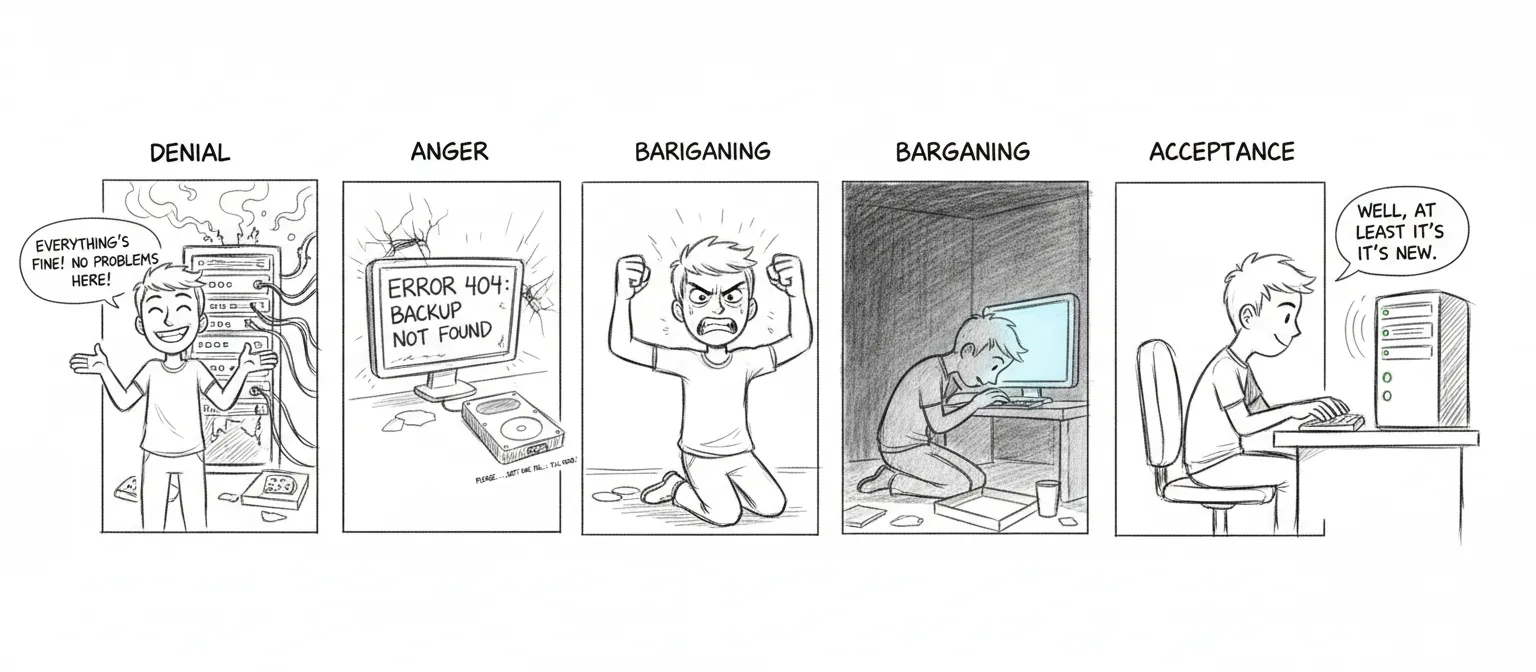
If you’re reading this calmly, on a Tuesday afternoon, with a cup of coffee — good. You’re doing this right.
If you’re reading this at 3 AM because a disk just made a sound disks should never make, we’re sorry. But this is exactly why the page exists, and past-you was smart enough to set up backups. Unless past-you didn’t, in which case present-you has our deepest condolences.
Daily Backup (on manoir)
Section titled “Daily Backup (on manoir)”Runs automatically at 04:00 via the com.sanctum.backup LaunchAgent — an hour when nothing good or bad is happening, which is precisely the hour you want for the thing standing between you and oblivion.
# Manual runbash ~/Backups/sanctum-backup.shArchitecture: restic, content-addressed, dual repo
Section titled “Architecture: restic, content-addressed, dual repo”The daily backup uses restic — a content-addressed deduplicating backup tool that splits files into ~1 MB chunks (Rabin fingerprinting), stores each unique chunk exactly once, and encrypts everything client-side with AES-256 + Poly1305. Two repos receive the same snapshot every day:
| Repo | Purpose | Where |
|---|---|---|
| T9 (primary) | Local, fast restore, full history | /Volumes/T9/sanctum-restic |
| Google Drive (offsite) | Disaster recovery, encrypted | rclone:gdrive-sanctum:sanctum-restic |
Each daily run only ships changed blocks. Typical delta after the first snapshot is tens of MB, not the 46 GB of raw ~/.sanctum. The first snapshot took 20 minutes; daily increments take seconds.
What Gets Backed Up
Section titled “What Gets Backed Up”- OpenClaw config (
~/.openclaw/) - Sanctum config (
~/.sanctum/) - Claude Code state (
~/.claude/, with cache/telemetry excluded) - All LaunchAgent plists
- SSH keys and config (the whole repo is encrypted, so private keys live alongside everything else)
- Shell + git config (
.zshrc,.zprofile,.gitconfig) - TTS models and voice files
- Selected project source trees (
node_modules,.venv,target, model files excluded — restic dedups, but excluding rebuildables saves scan time) - Per-run metadata: crontab, Homebrew lists, OrbStack state, MLX model manifests under
~/.cache/huggingface/hub/, tool versions, VM SSH-side configs
Encryption
Section titled “Encryption”Every byte that hits T9 or leaves your machine for Google Drive is encrypted client-side with AES-256, using a passphrase from macOS Keychain (sanctum-backup-key). Walk off with T9 or compromise the Drive folder, and all you get is opaque ciphertext blobs.
Retention (GFS, enforced by restic forget —prune)
Section titled “Retention (GFS, enforced by restic forget —prune)”--keep-daily 7 # last 7 daily snapshots--keep-weekly 4 # one snapshot per week, last 4 weeks--keep-monthly 12 # one snapshot per month, last yearRuns inline on every backup. Restic’s prune does block-level garbage collection — old snapshots are removed and any chunks no longer referenced by any surviving snapshot are reclaimed. There is no separate retention script; the policy lives in the backup script itself.
Why we moved off iCloud full-copy snapshots
Section titled “Why we moved off iCloud full-copy snapshots”This layer used to be simpler, and simpler was the problem. Until 2026-04-26 the daily backup was an rsync of ~/.sanctum into a new dated directory under iCloud/Backups/daily/YYYY-MM-DD/. Each snapshot was a full copy. iCloud Drive doesn’t understand hardlinks, so even a --link-dest-based incremental wouldn’t have worked through the Files-app sync layer. The result, observed empirically:
- 15 daily directories on internal SSD: 356 GB
- Each snapshot: ~46 GB of mostly-identical bytes copied fresh
- iCloud was syncing all of that every day in both directions
- Internal SSD hit 95% capacity, triggering this entire migration
The same retention window in restic: 15 GB on disk after seven days, growing by a few hundred MB per week. Reclaimed 357 GB the moment the legacy iCloud tree was deleted.
VM Snapshot
Section titled “VM Snapshot”Weekly automated snapshot (Sundays 3am):
bash ~/Backups/vm-snapshot.shCreates compressed copies of the VM disk image and EFI vars:
iCloud/Backups/VM/qcow2.zstiCloud/Backups/VM/efi_vars.fd.zst
Uses live copy (no VM suspend) with SSH sync before snapshot. The VM keeps running. It doesn’t even know it’s being photographed.
Restore
Section titled “Restore”Seven phases. Like grief, but more useful.
- Homebrew — Restore package list,
brew install - Dotfiles & SSH — Restore keys, shell config
- App configs — OpenClaw, Sanctum, HA
- Projects — Restore git repos
- MLX weights — Re-pull from Hugging Face into
~/.cache/huggingface/hub/(not backed up due to size; signed manifests in~/.sanctum/manifests/verify integrity after restore) - OrbStack — Restore container configs and volumes
- LaunchAgents — Restore plists, bootstrap services
bash ~/Backups/sanctum-restore.shBackup Scripts
Section titled “Backup Scripts”| Script | Purpose |
|---|---|
sanctum-backup.sh | Daily restic backup → T9 + Google Drive |
sanctum-restore.sh | Multi-phase restore (legacy, predates restic — see “Restoring from restic” below) |
vm-snapshot.sh | Weekly VM disk snapshot |
rotate-secrets.sh | Monthly secret rotation |
backup-sanctum.sh (MBP) | Weekly cross-machine snapshot, pulls ~/.sanctum/ from manoir to MBP — see below |
Treat each one with the respect you’d give a fire extinguisher — boring until the day it’s the only thing that matters.
Restoring from restic
Section titled “Restoring from restic”The scripts above are the front door; this is the manual set of keys for when you want one file, not the whole house.
export RESTIC_PASSWORD=$(security find-generic-password -a sanctum-backup -s sanctum-backup-key -w)
# List snapshots from either reporestic -r /Volumes/T9/sanctum-restic snapshotsrestic -r rclone:gdrive-sanctum:sanctum-restic snapshots
# Restore everything from the latest snapshot to a target dirrestic -r /Volumes/T9/sanctum-restic restore latest --target /tmp/restore
# Restore one file (mount the repo as a read-only FUSE filesystem and just `cp`)restic -r /Volumes/T9/sanctum-restic mount /tmp/restic-mount    # (Linux only; on macOS use `restore --include`)restic -r /Volumes/T9/sanctum-restic restore latest \  --target /tmp/restore \  --include /Users/neo/.sanctum/instance.yaml
# Verify a repo end-to-end (run quarterly)restic -r /Volumes/T9/sanctum-restic checkrestic -r rclone:gdrive-sanctum:sanctum-restic checkDisk-Pressure Tripwire
Section titled “Disk-Pressure Tripwire”The 2026-04-26 incident — internal SSD at 95% capacity from full-copy iCloud snapshots — exposed a missing layer: there was no early signal. The /status endpoint of the Navigator Sidecar (navigator-sidecar.js, port 3344) now emits a disk block, and it surfaces on the Holocron dashboard like every other health signal:
{ "disk": { "path": "/System/Volumes/Data", "status": "OPERATIONAL", "usedPct": 55, "usedGb": 476, "freeGb": 400, "totalGb": 926, "thresholds": { "warn": 85, "fail": 90 }, "message": "55% used" }}Status flips to DEGRADED at 85% (warn) and FAILED at 90% (page). Disk health folds into the aggregate sidecar status, so a Holocron tile turning yellow now means either a project monitor flagged degradation or the disk is filling. Configurable via NAVIGATOR_DISK_PATH, NAVIGATOR_DISK_WARN_PCT, NAVIGATOR_DISK_FAIL_PCT.
Weekly Cross-Machine Snapshot (MBP pulls from manoir)
Section titled “Weekly Cross-Machine Snapshot (MBP pulls from manoir)”The daily backup lives on the Mini. If the Mini itself is compromised — disk failure, filesystem corruption, malicious actor — that backup is gone with it. The weekly snapshot is the second dimension, and it shares the paranoia lineage of the backup deadman: pulled from manoir to the MBP every Saturday 04:30, SHA256-pinned, rotated to last 8.
# Manual run from MBP~/Documents/Claude_Code/tools/backup-sanctum.sh# ...or the deployed copy that the LaunchAgent invokes:~/.local/bin/backup-sanctum.shPipeline
Section titled “Pipeline”tools/backup-sanctum.shtars~/.sanctum/{scripts,services,state,docs,bin,boot,instance.yaml}plus critical LaunchAgent plists on manoir via SSH.~/.sanctum/secrets/is excluded — secrets live in keychain / 1Password / SOPS (the secrets trifecta), not this tarball.~/.sanctum/logs/is excluded — too large, not load-bearing.- The tarball is pulled to
~/Backups/sanctum-mini/sanctum-mini-<timestamp>.tgz. - A
.sha256trailer is written alongside.shasum -a 256 -c <file>.sha256verifies integrity. - Rotation keeps the newest 8 snapshots (≈2 months of weekly history).
Schedule
Section titled “Schedule”~/Library/LaunchAgents/com.sanctum.backup.plist (template in-repo at Claude_Code/tools/launchagents/):
<key>StartCalendarInterval</key><dict> <key>Weekday</key> <integer>6</integer> <!-- Saturday --> <key>Hour</key> <integer>4</integer> <key>Minute</key> <integer>30</integer></dict>Activate with:
launchctl bootstrap gui/$(id -u) ~/Library/LaunchAgents/com.sanctum.backup.plistlaunchctl enable gui/$(id -u)/com.sanctum.backupVerify a snapshot
Section titled “Verify a snapshot”cd ~/Backups/sanctum-minishasum -a 256 -c sanctum-mini-20260418-111502.tgz.sha256 # expect: OK
# See what's insidetar -tzf sanctum-mini-20260417-222652.tgz | head
# Restore a single file onto manoirtar -xzf sanctum-mini-20260417-222652.tgz \ Users/neo/.sanctum/services/council-mlx.yaml \ -O | ssh neo@100.0.0.25 'cat > /Users/neo/.sanctum/services/council-mlx.yaml'The 3 AM test
Section titled “The 3 AM test”Strip away the restic internals and the LaunchAgent plists and the whole architecture reduces to one question, asked at 3 AM when the disk makes the sound: is there a copy that isn’t on that disk? T9 answers first. Google Drive answers if T9 is gone. The MBP answers if manoir itself is gone. Run the quarterly drill and the answer stays yes; skip it, and “I have a backup” quietly decays into “I had a backup” — the one sentence this entire page exists to keep you from ever saying out loud.