

Health Monitoring & Watchdog
Something in the haus has to stay awake while everyone sleeps. That job falls to sanctumd, a long-running Rust daemon that wakes every ten minutes, sweeps every service, fixes what it can, and tells you about whatever it couldn’t. It is, literally, a program that watches other programs and judges them. If it ever develops opinions about your uptime, unplug everything.
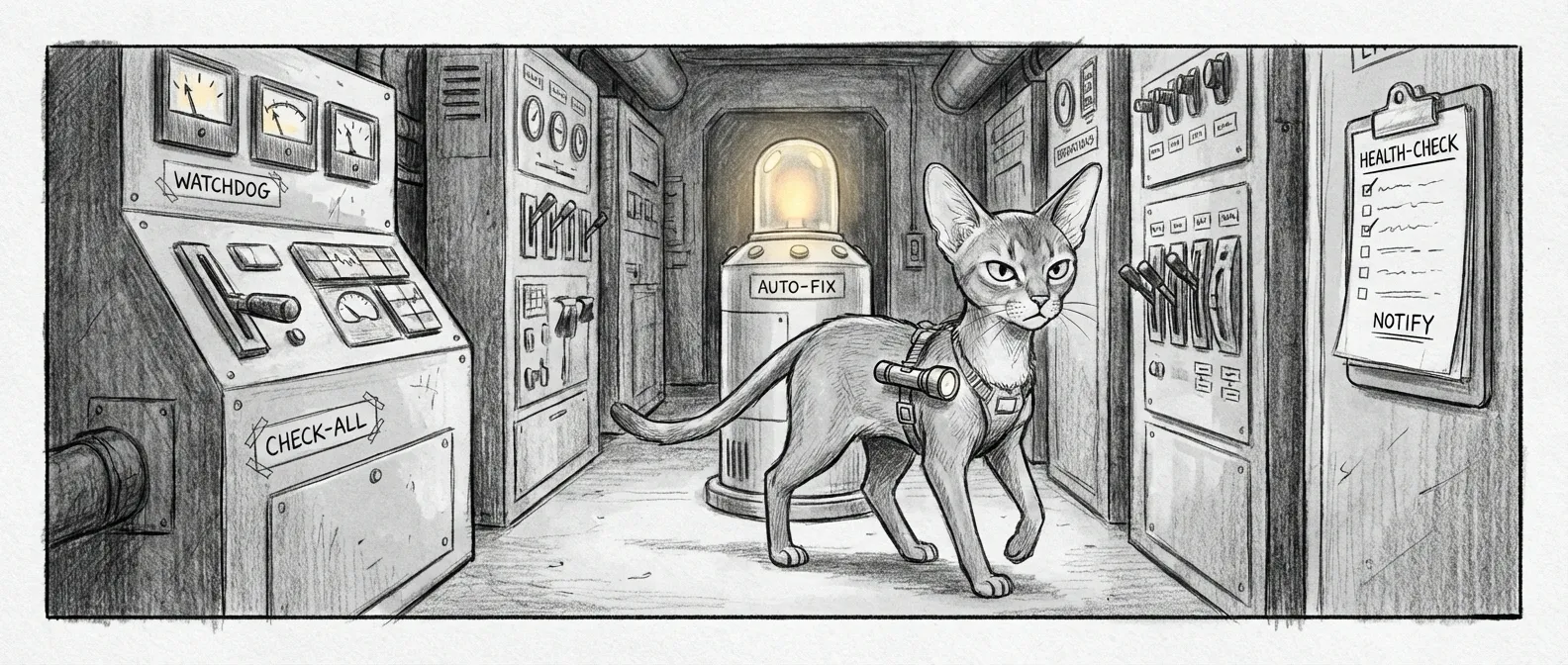
How It Works
Section titled “How It Works”- Check health —
service-graph.py check-all --jsonprobes every manifest, reporting per-service status plus root causes. - Evaluate — The graph separates root causes from downstream casualties, so dependants aren’t restarted blindly.
- Auto-remediate — With
auto_fixon, each root cause goes toservice-graph.py remediate <svc>, bounded by a restart budget and circuit breaker. - Settle — Waits
settle_delayfor services to stabilize. - Re-check — Runs
check-allagain. - Notify — Alerts on anything still failed.
┌──────────────┐ ┌──────────────┐ ┌─────────────┐│ check-all │────→│ Root causes? │─No─→│ All Clear │└──────────────┘ └──────────────┘ └─────────────┘ │ Yes ▼ ┌──────────────┐ │ remediate │ │ <svc> │ └──────────────┘ │ ▼ ┌──────────────┐ │ Settle Delay │ └──────────────┘ │ ▼ ┌──────────────┐ ┌─────────────┐ │ Re-check │─OK─→│ Fixed │ └──────────────┘ └─────────────┘ │ Still failing ▼ ┌──────────────┐ │ Notify │ └──────────────┘Most days the path is: check, all clear, sleep. On the bad days it finds a root cause, remediates, re-checks, and either nods or tells you on Signal your evening is about to get worse.
Schedule
Section titled “Schedule”The watchdog is not a periodic LaunchAgent — it’s a continuously-running daemon that loops on its own timer. launchd’s only job is to keep it alive:
| Property | Value |
|---|---|
| Label | com.sanctum.watchdog |
| Plist | /Library/LaunchDaemons/com.sanctum.watchdog-rust.plist |
| Program | sanctumd (sanctum-rs release build) |
| KeepAlive | true (relaunched immediately if it ever exits) |
| Check interval | WATCHDOG_CHECK_INTERVAL, default 600 (seconds) |
| Health API | port 2187 |
It starts at boot and runs forever, one sweep every check_interval seconds. Being a single long-lived process is why the dedup state below lives in memory.
Notification Deduplication
Section titled “Notification Deduplication”Nothing helps you fix a problem like your phone buzzing about it every ten minutes — so once a service fails and notifies, further failures of that same service are suppressed for the dedup_window. State is an in-memory map of service name to last-notified time, no on-disk file — so a restart wipes it, and the first failure after a relaunch always notifies.
First failure of "home-assistant" → Notify ✓Same failure 5 min later → Suppressed (within 30 min window)Same failure 35 min later → Notify ✓ (window expired)Different service fails → Notify ✓ (independent key)Configuration
Section titled “Configuration”All settings live in instance.yaml under services.watchdog:
services: watchdog: enabled: true interval: 600 # seconds between check sweeps settle_delay: 15 # seconds to wait after a fix attempt auto_fix: true # enable manifest-driven auto-remediation dedup_window: 1800 # seconds (30 min) to suppress repeat alerts notify_channels: - macos - signal - dashboard| Setting | Type | Default | Description |
|---|---|---|---|
enabled | boolean | true | Enable or disable the watchdog entirely |
interval | number | 600 | Seconds between check sweeps |
settle_delay | number | 15 | Seconds to wait after repair before re-checking |
auto_fix | boolean | true | Whether to run manifest remediation on root causes |
dedup_window | number | 1800 | Seconds to suppress duplicate notifications |
Notification Channels
Section titled “Notification Channels”The watchdog delivers alerts through three channels, routed by severity in ~/.sanctum/lib/notify.sh — the louder the problem, the more channels it lights up:
| Severity | macOS | Dashboard | Signal | Channel detail |
|---|---|---|---|---|
ambient | Log + chitti samskara only | |||
warn | yes | yes | osascript Notification Center + dashboard banner | |
error | yes | yes | yes | Full fan-out |
critical | yes | yes | yes | Full fan-out (memory kills land here) |
The dashboard banner appends to ~/.sanctum/alerts.json, which the command center polls. Signal goes to a configured group via the apple-toolkit skill, reserved for error and critical — and nothing quite says good evening like a Signal from your haus at midnight telling you a service is down.
Remediation
Section titled “Remediation”The repair engine is the service graph, not a separate doctor process. With auto_fix enabled, each root cause goes to service-graph.py remediate <svc>, running that service’s manifest-defined action — a heal_launchagent.sh restart, a systemd kick over SSH, a Docker bounce. Blunt, but most failures here respond to “have you tried turning it off and on again.”
Two guards keep a flapping service from turning the watchdog into a respawn machine: a per-service restart budget (max_restarts_per_hour, default 3) and a circuit breaker that halts remediation when too many fail at once.
Health Test Suite
Section titled “Health Test Suite”The suite isn’t a hardcoded list — it’s whatever manifests live in ~/.sanctum/services/. Each *.yaml declares how its service is probed, and check-all walks every one (roughly 37 today). Add a manifest and the watchdog picks it up next sweep, no code change. A probe is one of a few types:
Probe type | What It Checks | Example |
|---|---|---|
port | TCP port is open (nc -z) — not an HTTP code | home-assistant :8123, sanctum-tts :8008 |
process | A named process is alive | sanctum-tts (tts_server) |
command | A command exits zero | tailscale (tailscale status) |
interface | A network interface holds its expected IP | bridge interface |
Probes return pass/fail, latency, and a diagnostic message; the graph follows requires edges so a fallen dependency takes the blame, not everything downstream. Roughly 37 services every ten minutes is about 5,300 probes a day. Your haus gets more checkups than you do.
Memory Sentinel
Section titled “Memory Sentinel”On April 23, 2026, a runaway session pushed the 64 GB Mac Mini into OOM until WindowServer missed its watchdog checkin and the kernel panicked — twice in one evening. The service graph kept checking ports while the system asphyxiated — a service being up means nothing with no RAM to run it.
The memory sentinel exists because of that night. It runs before the service graph — which itself spawns Python, threads, and SSH connections, all of which cost memory the starved machine may not have.
How It Works
Section titled “How It Works”The sentinel doesn’t reason about whole-system free memory, but about Sanctum’s own services, one at a time: it enumerates every running com.sanctum.* job, reads each PID’s RSS via ps -o rss=, and compares it to a per-service limit in megabytes. Limits are tuned per service — mlx-builtin gets 20 GB because it holds a model in RAM; a tunnel gets 64 MB, anything over is a leak. Override any limit under services.<key>.memory_limit_mb. The worst grades set the overall status:
| Level | Trigger | Action |
|---|---|---|
| OK | Every service under 80% of its limit | Exit 0, all clear |
| Warning | At least one service at or above 80% | Exit 0, log only |
| Critical | At least one service over 100% of its limit | Exit 1, kill the worst offender |
| Emergency | Three or more services over their limits | Exit 1, kill the worst offender |
The “worst offender” is the service most megabytes over its own limit. On a kill it sends SIGTERM, pauses, then SIGKILLs — and since every victim is a com.sanctum.* job, launchd restarts it clean.
Watchdog Integration
Section titled “Watchdog Integration”The sentinel runs as Step 0.5, before any service-graph work:
Watchdog check starting → Step 0.5: Memory sentinel pre-flight (--json) → If emergency/critical: --kill, notify, sleep 3s → If warning: log only → Step 1: validate manifests + service-graph check-allOn a kill it fires a critical notification and sleeps three seconds for the system to reclaim memory, so the check-all that follows sees a machine that has exhaled.
Configuration
Section titled “Configuration”The real knobs are the per-service memory_limit_mb overrides under each service’s key. The instance.yaml block also carries forward-looking scaffolding:
services: memory_sentinel: enabled: true auto_kill: true kill_grace_seconds: 5 thresholds: warning_free_pct: 15 critical_free_pct: 8 emergency_free_pct: 5 safelist: - "com.apple.Virtualization.VirtualMachine" - "sanctum-mlx" - "WindowServer" - "kernel_task"Agent Integration
Section titled “Agent Integration”The health agent can invoke the sentinel through the service-doctor skill’s memory-check.sh, checking pressure and resetting a runaway service without SSH to the host.
Who Watches the Watchdog
Section titled “Who Watches the Watchdog”So the haus has two guardians on the night shift now: a memory sentinel that makes sure there’s RAM left to think with, and a service graph that checks the ports and restarts what fell over. Neither has judgment. They kill the bloated, revive the fallen, wait ten minutes, and do it again — which is exactly as much as you want a program with root to decide on its own.
The judgment stays yours. That is the one job in this stack that never got a daemon, and after the night of April 23 nobody is in a hurry to write it. Tommy files his patrol report twice a day and asks for nothing in return; the watchdog runs every ten minutes and occasionally texts you at midnight. Between the two of them, the haus is watched. You just have to keep watching the watchers.