

Requirements
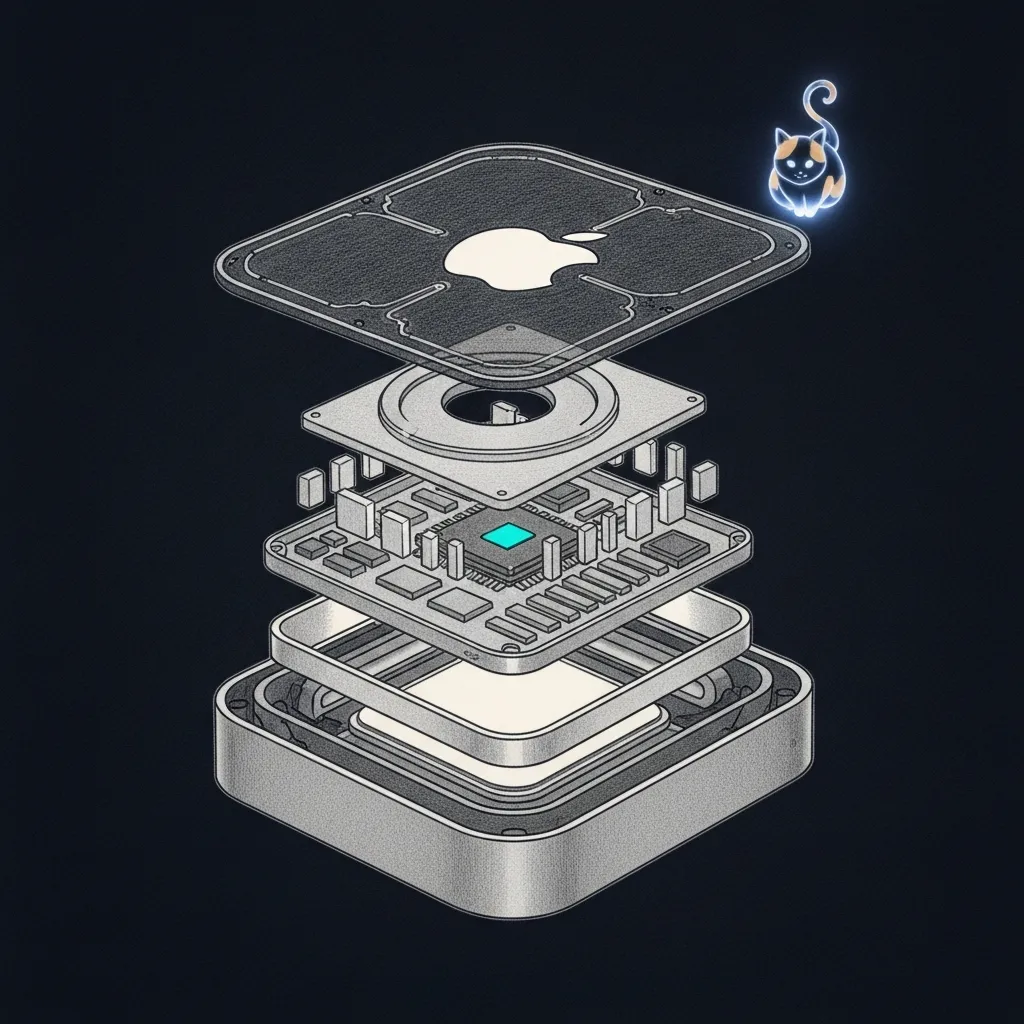
It’s the size of a grilled cheese and weighs about as much as a hardcover. In twenty minutes you’re going to shove it in a closet and never look at it again. From there it runs your domestic life. Silently, like a very small, very expensive butler.
Sanctum runs on Apple Silicon Macs, with a Linux VM handling specific workloads — so yes, you are running an entire intelligence platform on a desktop computer the size of a sandwich, and no, we will not apologize for this. But the butler needs the right guts and the right software before it can do butler things. Skip a dependency here and you’ll be hunting it down at 2 AM with the install half-finished, and haus automation has straight-up zero chill about timing. So let’s get the shopping list right the first time.
Hardware
Section titled “Hardware”Mac Mini (Required)
Section titled “Mac Mini (Required)”You will need a Mac Mini. The whole Mac Mini. Not an old one in a drawer — a current-generation Apple Silicon Mac Mini that you are prepared to leave running in a closet, silently orchestrating your domestic life like a very small, very expensive butler.
| Component | Minimum | Recommended |
|---|---|---|
| Chip | M4 | M4 Pro |
| RAM | 16 GB | 32 GB+ |
| Storage | 256 GB internal | 1 TB+ internal |
| Network | Gigabit Ethernet | Gigabit Ethernet |
External Storage (Optional)
Section titled “External Storage (Optional)”An external drive is useful for offline knowledge bases (Kiwix), media libraries, and backups. Any USB-C or Thunderbolt drive will work. There is no strict performance requirement since these workloads are not latency-sensitive. Even your data gets to relax sometimes.
Satellite Nodes (Optional)
Section titled “Satellite Nodes (Optional)”For multi-site deployments, satellite nodes can run on any Apple Silicon Mac. An M1 Mac Mini with 16 GB is sufficient for a satellite. If you are the kind of person who has multiple homes and wants AI agents in all of them, congratulations on both your real estate portfolio and your commitment to unnecessary complexity.
Software
Section titled “Software”Required
Section titled “Required”Install the following before proceeding to the installation guide. This is the part where you open Terminal and pretend you are in a movie.
| Software | Version | Install |
|---|---|---|
| macOS | macOS 15 Sequoia minimum (26 Tahoe recommended) | System update |
| Homebrew | Latest | brew.sh |
| Python | 3.12+ | brew install python |
| Node.js | 22+ | brew install node or via fnm |
| Docker Desktop | Latest | docker.com |
| Lima | Latest | brew install lima (runs the Ubuntu VM on Apple Virtualization) |
| socket_vmnet | Latest | brew install socket_vmnet (host-only Mac↔VM bridge) |
| Git | Latest | brew install git (or Xcode CLI tools) |
| Software | Version | Notes |
|---|---|---|
| Ubuntu | 24.04 LTS | Installed as a Lima vz VM |
| Docker | Latest | apt install docker.io |
| Node.js | 22+ | Via NodeSource or fnm |
| SOPS | Latest | apt install sops or from GitHub releases |
| age | Latest | apt install age (for SOPS encryption) |
| SSH | OpenSSH 9+ | Included with Ubuntu |
VM Specifications
Section titled “VM Specifications”When creating the Ubuntu VM with Lima, use these settings:
| Setting | Value |
|---|---|
| Backend | Lima (vmType: vz, Apple Virtualization) |
| CPU cores | 4 |
| Memory | 8 GB |
| Disk | 100 GB |
| Bridge network | Host Only via socket_vmnet (vmnet host mode) |
| Internet | NAT interface, managed by Lima |
The VM carries two interfaces. A host-only bridge (lima0) puts the Mac at 10.10.10.1 and the VM at 10.10.10.10 — that private wire is how every agent on the VM reaches services on the hub. A second NAT interface gives the VM its own outbound path to the internet for apt and git. Not solitary confinement, then; more like a studio apartment with one locked door to the haus and one window to the outside world.
Optional Components
Section titled “Optional Components”These are not required for a basic installation but enable additional capabilities. Think of them as side quests.
Firewalla
Section titled “Firewalla”A Firewalla in Router mode provides network-level security, DNS management, and device monitoring. The hub runs a Gold Pro, but any Router-mode Firewalla works. Sanctum includes a bridge service that talks to it over its P2P API on port 8833.
If you do not have a Firewalla, Sanctum will still function. Network management features will simply be unavailable, and you will have to monitor your network the old-fashioned way: by not monitoring it at all and hoping for the best.
Tailscale
Section titled “Tailscale”Tailscale provides secure mesh networking between nodes. It is required for multi-node deployments (hub + satellite) and strongly recommended for remote access to your hub.
Install Tailscale on each node:
brew install --cask tailscaleCloudflare Domain
Section titled “Cloudflare Domain”A domain managed through Cloudflare enables secure public access to specific services (such as the Home Assistant dashboard or health endpoints) via Cloudflare Tunnel. The free Zero Trust plan is sufficient.
Local inference (ports 1337 and 3301)
Section titled “Local inference (ports 1337 and 3301)”Sanctum serves local models through sanctum-mlx, its own Rust inference server — Qwen3.6-35B-A3B-4bit on port 1337 (mTLS-only), and Devstral-Small-2-24B-Instruct-2512-4bit on port 3301 for code work. There is no third-party model app to install; the models themselves are the only heavy download, so budget disk and RAM accordingly.
iPhone Apps
Section titled “iPhone Apps”These iOS apps integrate with Sanctum services on the hub.
| App | Purpose | Required |
|---|---|---|
| Home Assistant Companion | HA remote control, presence detection, notifications | Yes |
| Health Auto Export | Push Apple Health data to health ingester | If health monitoring enabled |
| Tailscale | VPN mesh access to hub from anywhere | Recommended |
Network Architecture
Section titled “Network Architecture”Sanctum expects the following network layout:
Internet |Modem / ONT |Firewalla WAN (Router mode) |LAN (10.0.0.0/24, gateway 10.0.0.1) |-- Mac Mini (DHCP reservation) -- Host Only bridge (10.10.10.0/24) -- Ubuntu VM (.10) |-- Orbi / Wi-Fi AP (AP mode) \-- Smart devices, speakers, etc.Verification
Section titled “Verification”Before moving on, confirm you have the required tools installed:
# Check macOS versionsw_vers
# Check Homebrewbrew --version
# Check Pythonpython3 --version
# Check Node.jsnode --version
# Check Dockerdocker --version
# Check Lima (runs the VM) and socket_vmnet (the host-only bridge)limactl --versionwhich socket_vmnet
If all of those commands returned something other than an error, you are ready. If any failed, fix it now. The installation guide is patient, but it will not hold your hand through a missing dependency at 2 AM.
That’s the whole shopping list. Get the guts and the software right, and the closet does the rest — quietly, for years. Installation is where the butler wakes up.