

Health Monitoring
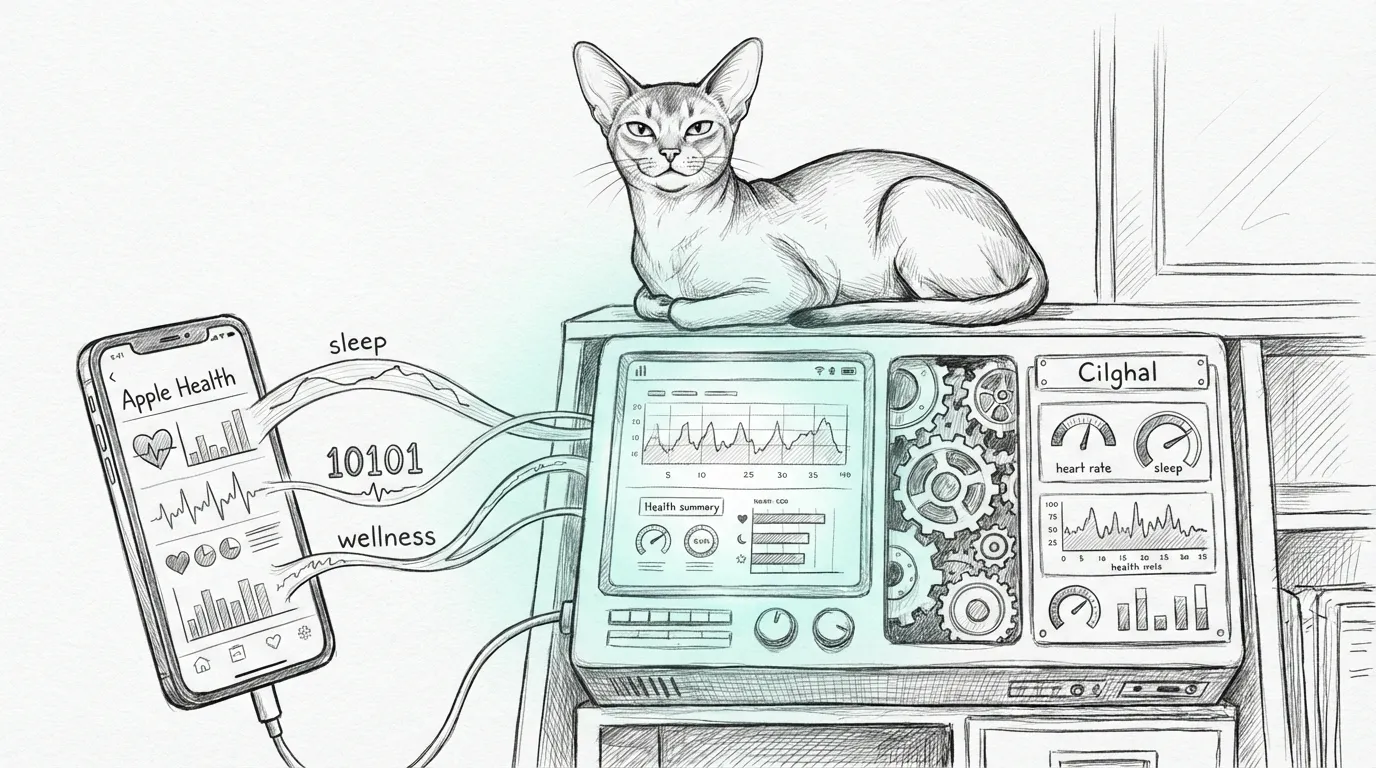
Your haus already monitors itself. It seemed only fair to let it monitor you too. Sanctum includes a health data pipeline that ingests Apple Health metrics from your iPhone and feeds them into the Cilghal health agent for analysis. The pipeline uses the Health Auto Export iOS app to push data to a FastAPI service running on the VM — through a Cloudflare tunnel, because your resting heart rate deserves enterprise-grade security.
The browser-facing view of this data lives in the dashboard, and the native macOS wrapper for that health surface lives in the Holocron App. Because once you are graphing your sleep in a virtualized infrastructure stack, consistency matters.
Architecture
Section titled “Architecture”iPhone (Health Auto Export) │ HTTPS POST /apple-health (hourly) ▼Cloudflare Tunnel (health.sanctum.haus) │ CF Access (OTP + Service Token) ▼Mac Mini (SSH tunnel, port 10101) │ ▼Ubuntu VM (health-ingester.py, FastAPI) │ ├── Rolling JSON files (~/.openclaw/health-data/) └── Graphiti knowledge graph (for Cilghal agent)Five hops between your wrist and the knowledge graph. Each one encrypted. The Cold War had simpler supply chains.
Prerequisites
Section titled “Prerequisites”- Health Auto Export app installed on iPhone (App Store)
- Health ingester running on VM (part of standard Sanctum setup)
- Cloudflare tunnel with CF Access configured for
health.sanctum.haus
iPhone Setup
Section titled “iPhone Setup”-
Install Health Auto Export - JSON+CSV from the App Store
-
Open the app and grant access to Apple Health data
-
Go to Automations tab
-
Tap + to create a new automation
-
Select REST API as the type
-
Configure the endpoint:
Field Value URL https://health.sanctum.haus/apple-healthMethod POST -
Add three headers:
Header Value AuthorizationBearer <HEALTH_INGESTER_TOKEN>CF-Access-Client-Id<from Keychain: cf-access-health-client-id>CF-Access-Client-Secret<from Keychain: cf-access-health-client-secret> -
Select metrics to export (recommended minimum):
- Heart Rate
- Resting Heart Rate
- Steps
- Active Energy
- Sleep Analysis
- Weight
- Blood Pressure (if available)
- Blood Oxygen (if available)
-
Set schedule to every 1 hour
-
Save and tap Test to verify
Health Ingester Service
Section titled “Health Ingester Service”The ingester is a FastAPI service on the VM that receives health data, extracts key metrics, and stores them for the Cilghal agent. It also polls Withings, because a scale that talks to the cloud might as well talk to ours.
| Setting | Value |
|---|---|
| Location | VM (~/.openclaw/health-ingester.py) |
| Port | 10101 (bound to 10.10.10.10) |
| Auth | Bearer token (from SOPS) |
| Max payload | 10 MB |
| Rate limit | 20 ingests/minute |
| Data storage | ~/.openclaw/health-data/ (rolling JSON) |
Endpoints
Section titled “Endpoints”| Endpoint | Method | Auth | Purpose |
|---|---|---|---|
/health | GET | None | Health check |
/apple-health | POST | Bearer | Receive health data from iOS |
/withings/poll | POST | Bearer | Pull the latest Withings readings |
/summary | GET | Bearer | Current snapshot for the Cilghal agent |
/history | GET | Bearer | Historical metrics |
Starting the Service
Section titled “Starting the Service”The ingester runs as a systemd user unit at ~/.config/systemd/user/health-ingester.service. The unit’s ExecStart calls the SOPS wrapper (which injects secrets as environment variables) and pins HEALTH_INGESTER_PORT=10101 and HEALTH_INGESTER_HOST=10.10.10.10 — without those the code defaults to 18095 on loopback, which is the listener nobody can reach. Manage it the boring way:
systemctl --user restart health-ingestersystemctl --user status health-ingesterjournalctl --user -u health-ingester -f # tail the logsVerifying
Section titled “Verifying”Test the endpoint from the Mac:
curl -s -H "CF-Access-Client-Id: $(security find-generic-password -a sanctum -s cf-access-health-client-id -w)" \ -H "CF-Access-Client-Secret: $(security find-generic-password -a sanctum -s cf-access-health-client-secret -w)" \ https://health.sanctum.haus/healthA healthy service returns {"status": "ok", "version": "...", "last_ingested": "...", "data_dir": "..."}. The /health route takes no auth, so a bare CF Access pass is enough to prove the tunnel is up. A last_ingested of null means the box is listening but your phone hasn’t phoned home yet.
Cloudflare Access
Section titled “Cloudflare Access”The health endpoint is protected by Cloudflare Access with two authentication methods:
- OTP (email) for browser access by the owner
- Service Token for automated sync from Health Auto Export
The service token expires annually and credentials are stored in the Mac Keychain. Mark your calendar, or don’t — the watchdog will let you know when it stops working.
Cilghal Agent
Section titled “Cilghal Agent”The Cilghal agent on the VM reads ingested health data and maintains a knowledge graph of health trends. It provides daily health briefings and can answer questions about historical health metrics.
Data flows: Health Auto Export → POST /apple-health → JSON files + Graphiti KG → Cilghal agent queries.
An AI named after a Mon Calamari healer, running inside a virtual machine, inside a Mac Mini, analyzing your sleep patterns through a knowledge graph. If you find this normal, you’ve been reading these docs too long.