

Holocron App
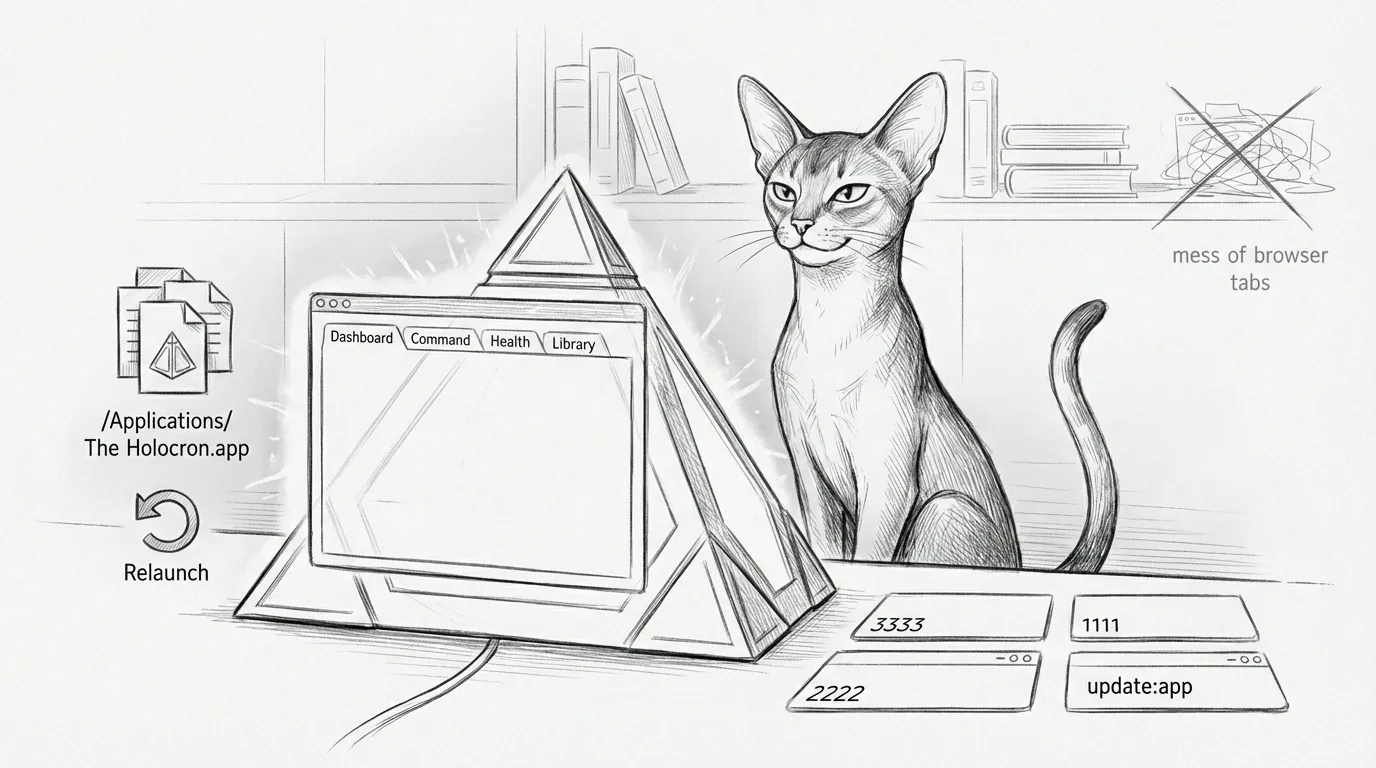
The browser dashboard is useful. The Holocron exists because sometimes you want the whole Sanctum bridge in one native window instead of six tabs, three localhost ports, and the vague feeling that one of them is lying.
Holocron is the standalone Electron shell for Sanctum. It wraps the dashboard, command surfaces, health center, and embedded tools in a packaged macOS app installed at /Applications/The Holocron.app. The standard for success is not “it looked fine in Vite once.” The standard is that the installed bundle launches, renders, survives service startup, and does not immediately murder its own renderer with an overbroad pkill.
If you want the browser-first view of the same surfaces, start with the Command Center Dashboard. Control tabs (Family, Controls, Haus) require parent unlock (Touch ID preferred, PIN fallback) when that policy is enabled. If you want the browser automation harness that now validates Holocron end-to-end, see Agent Browser.
What It Is
Section titled “What It Is”The Holocron source lives here:
/Users/neo/Projects/the-holocronThe installed app lives here:
/Applications/The Holocron.appAt launch, Electron loads the built renderer from dist-renderer and then starts the local Sanctum stack through:
/Users/neo/Documents/Claude_Code/run_sanctum.sh --headlessPorts and paths are centralized in holocron-config.yaml, read by yq at startup — no hardcoding. The sectors the window depends on:
sectors: ui: port: 3333 command_center: port: 1701 # NCC-1701 backend; :1111 is the PQ tailnet front door health_center: port: 2222 archives: # navigator-sidecar port: 3344 obliteratus: # ML engine port: 7860 neural_link: # remote debugging / vision port: 1138 living_force: # Sanctum Watchdog health port: 2187The Jedi Archives library (Kiwix offline reader on :8888) is not in that list because it is not a startup sector — it is an embedded surface you open from Settings, running on its own whether or not the Holocron is up. The shell links to it; it does not babysit it.
The renderer is intentionally thin. It owns the shell, navigation, theme state, and fallback panels. The actual work still lives in the local services. This is good. When the shell breaks, you debug a shell. When the shell also contains the whole backend, you debug a lifestyle.
Why It Was Black
Section titled “Why It Was Black”The black-screen failure turned out not to be a React bug. It was process cleanup performed with the accuracy of artillery.
The packaged app launches run_sanctum.sh --headless, and that script’s kill_zombies sweep contains:
pkill -f "the-holocron" || truepkill -f "vite" || trueElectron helper processes carry the-holocron in their command line via the app’s user-data path, so the backend bootstrap can kill the freshly launched renderer just after startup. The app boots correctly, then quietly steps on its own throat.
The correct narrowing scopes cleanup to actual Holocron dev processes instead of anything containing the string:
pkill -f "/Users/neo/Projects/the-holocron/.*vite" || truepkill -f "vite --host 127.0.0.1 --port 3333" || trueThe broad lines are still in run_sanctum.sh today — the scoped form above is the fix, not yet landed. It is the next obvious commit, not folklore about how it already works.
We did harden the renderer startup path:
KyberHealthnow uses Electron IPC for status instead of browser fetch on first paint.- The library tab degrades to an intentional fallback panel when its embedded surface is unavailable.
- Remote font loading was removed from renderer startup because a desktop shell does not need to negotiate with a CDN before it earns the right to display pixels.
Update The Installed App
Section titled “Update The Installed App”The operational rule is simple: /Applications/The Holocron.app should always be the latest tested build.
That is now handled by one local updater command:
- Move into the Holocron app repo with
cd /Users/neo/Projects/the-holocron. - Run
npm run update:app. - Let the updater rebuild, validate, package, install, and relaunch the app.
For reference, the npm script resolves to:
bash /Users/neo/Projects/the-holocron/scripts/install-latest-holocron.shThe updater runs the full release path:
npm run buildnpm run test:e2enpm run package:app # electron-builder --dirbash scripts/sign-holocron-app.sh dist/mac-arm64/The\ Holocron.appbash scripts/notarize-holocron-app.sh dist/mac-arm64/The\ Holocron.app # only if notary profile setditto dist/mac-arm64/The\ Holocron.app /Applications/The\ Holocron.appcodesign --verify --deep --strict dist # then stapler validate, then release/native e2eNotarization is conditional: the script notarizes only when the holocron-notarization keychain profile (or an App Store Connect API key) is configured, and logs “Skipping notarization” otherwise — in which case the final smoke test runs in native mode instead of release. With the profile present, the app in /Applications is the one that just passed browser e2e, packaging, release signing, Apple notarization, and post-install validation. A surprisingly modern concept for a bridge app that used to black-screen itself on principle.
End-to-End Validation
Section titled “End-to-End Validation”The Holocron e2e suite lives here:
/Users/neo/Projects/the-holocron/tests/holocron-e2e.shRun it directly:
cd /Users/neo/Projects/the-holocronnpm run test:e2eAfter the Apple-UX redesign the seven tabs collapsed to four destinations, so the suite now drives those. It validates:
- Status — the hero (System status) plus the Memory / Storage / Repository vitals and the Core sectors grid
- Activity — chat rendering (the personalized greeting and the “Consult the Jedi Archives” input), captured to
tests/artifacts/chat.png - Haus — the property switcher (main hub plus the satellite property, pending)
- Settings — the Appearance section and the Jedi Archives library link
- Family — the Household header (screen-time + digital twin)
- a clean console after the walkthrough (any page error fails the run)
- in
releasemode: installed-app signature, stapled ticket, and a launch-and-stays-alive smoke test
The suite uses agent-browser instead of Playwright. This is not ideology. It is because the fastest way to debug the Holocron is to make the browser tell you what it sees, not to spend an afternoon constructing a browser abstraction layer so a test runner can lie more formally.
The suite now has three modes:
HOLOCRON_E2E_MODE=web bash tests/holocron-e2e.shHOLOCRON_E2E_MODE=native bash tests/holocron-e2e.shHOLOCRON_E2E_MODE=release HOLOCRON_E2E_EXPECT_STAPLED=1 bash tests/holocron-e2e.shwebdrives the Vite surface on127.0.0.1:3333nativeattachesagent-browserto an installed debug-style window through CDP on:9223releaseverifies the installed app the way macOS sees it: signed, stapled, launchable, and not immediately dead
That split exists because a hardened notarized release should be treated like a release artifact, not bullied into behaving like a debug target with a remote debugging port jammed in at runtime. Apple gets touchy. In this case, correctly.
Signing and Notarization
Section titled “Signing and Notarization”Holocron is now shipped as a real macOS app:
spctl -a -vv /Applications/The\ Holocron.appExpected result:
acceptedsource=Notarized Developer IDorigin=Developer ID Application: <your name> (<TEAMID>)The release pipeline uses:
- explicit recursive Developer ID signing with hardened runtime and secure timestamps
- explicit
notarytoolsubmission through theholocron-notarizationkeychain profile - stapling before install
- staple validation after install
This is intentionally explicit. Electron Builder’s auto-signing path was more magical than reliable, and magic is just a future incident with better branding.
Known Limits
Section titled “Known Limits”Holocron now has a reliable local update path, proper macOS signing, and notarization. It still does not have real in-app autoupdate.
That is deliberate. Proper macOS autoupdate should wait for stable release artifacts and a publish story that is slightly more mature than “we can do it by hand now, which is already a huge improvement.”
The correct order is:
1. keep signing and notarization boring2. add electron-updater3. publish a real update feed4. stop thinking about Gatekeeper for a few blessed minutesUntil then, npm run update:app is the operational truth. It is not elegant. It is, however, signed, notarized, repeatable, and notably less dramatic than the previous version of events.
Idle Behavior
Section titled “Idle Behavior”The Holocron used to drop into a hyperspace-stars “screensaver” mode that grabbed fullscreen after five minutes of idle. Thematically coherent, operationally irritating.
The MeditationMode screensaver is currently disabled in the renderer; the fullscreen toggle-screensaver IPC still exists in main.js but nothing fires it. If you leave the app open while you make tea, it now mostly minds its own business. This is the sort of restraint we should encourage when possible.
If the installed app goes black again, the first stop is Troubleshooting. We try very hard not to repeat incidents. We also keep having enough material to stay in business.