

Command Center: the break-glass runbook
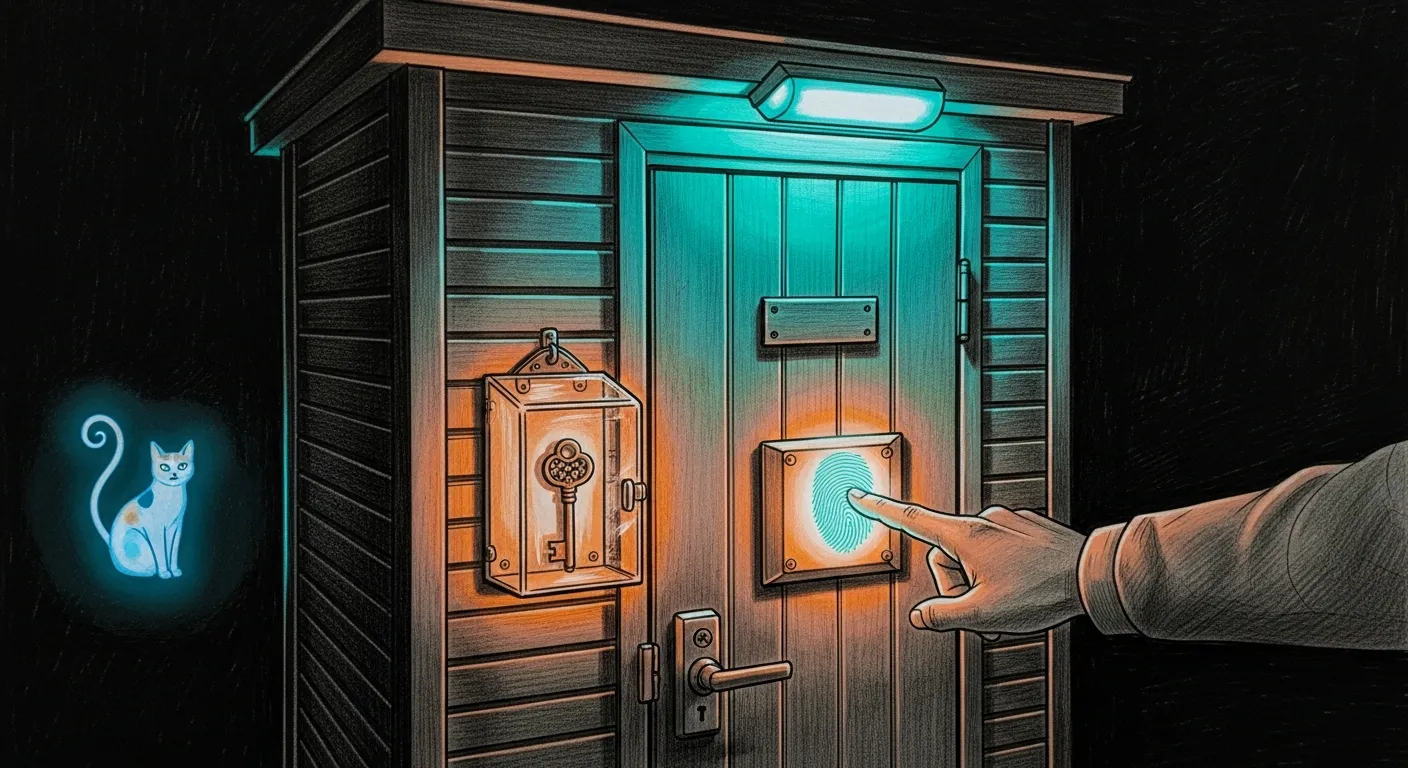
Your Mac is at the repair shop and your phone just took a swim in the pool. The command-center dashboard on :1111 — genome vault, lab reports, the whole health surface — will not let you in. It only knows faces, and both of yours are currently unreachable.
This is the day the dashboard learned your face turning against you. The lock is genuinely military-grade: a WebAuthn passkey for humans, mTLS for machines, and no keyhole for a thief to pick. But a lock is only military-grade if a lost device, an expired cert, or a flipped toggle is a documented two-minute chore and not a 2 a.m. panic. This is that document. The one habit that makes every scenario below trivial: enroll a backup device before you need it.
Enroll a backup device (do this now)
Section titled “Enroll a backup device (do this now)”Signed in, open https://manoir.tailnet.ts.net:1111/auth/, then Add a backup device and approve with Touch ID / Face ID on a second authenticator — a phone, a Watch, a second Mac. The store already holds many credentials; a backup means a lost primary is never a lockout. Remove a lost device from the same screen. The dashboard refuses to remove your last passkey, so you cannot strand yourself even if you try.
First-time enrollment (or a fresh re-enroll)
Section titled “First-time enrollment (or a fresh re-enroll)”Prerequisites: Tailscale HTTPS Certificates enabled in the admin console, and a valid Let’s Encrypt cert on :1111 (the renewer keeps it fresh — see the table below). Then read the bootstrap token, which exists only while the store is empty:
# the bootstrap token exists ONLY while no passkey is enrolledcat ~/.sanctum/secrets/command-center-bootstrap.tokenOpen /auth/, paste the token, approve with Touch ID. The token is single-use: it is burned the moment the first passkey enrolls, and it is only ever minted while the store is empty. The enrollment page is always reachable; the gate (CC_AUTH_ENFORCE=true) only covers /api, so you never have to disable enforcement to enroll.
Recovery scenarios
Section titled “Recovery scenarios”Lost a device, but you have another
Section titled “Lost a device, but you have another”This is the easy one — the reason you enrolled a backup. Sign in on the other device, open /auth/, and Remove the lost one. If you suspect it was compromised, also press Sign out everywhere — that raises the session revocation floor and invalidates every outstanding session instantly, no restart.
Lost every enrolled device (true lockout)
Section titled “Lost every enrolled device (true lockout)”Now it bites. The enroll page is open, but registration needs a session you cannot get. Break glass over SSH — the trusted local path — by resetting the passkey store so a fresh bootstrap token is minted:
cd ~/.sanctum/secretsmv command-center-passkeys.json command-center-passkeys.json.bak.$(date +%s)launchctl kickstart -k gui/$(id -u)/com.sanctum.dashboardcat command-center-bootstrap.token # freshly minted because the store is now emptyOpen /auth/ and enroll your replacement device with the new token. Then immediately add a backup — do not walk away from a store with one passkey in it. Your old credentials survive in the .bak file if you ever need the audit trail.
”WebAuthn unavailable” or a cert warning in the browser
Section titled “”WebAuthn unavailable” or a cert warning in the browser”WebAuthn refuses any origin with a TLS error — no lock is worth much if it will negotiate over a bad cert. Check the terminator and its Let’s Encrypt cert:
launchctl print gui/$(id -u)/com.sanctum.pq-terminator.1111 | grep stateopenssl x509 -in ~/.sanctum/pq-terminator/certs/le-manoir.crt -noout -enddate~/.sanctum/bin/sanctum-cert-renew.sh # re-issues + reloads only on changeIf tailscale cert fails, re-check HTTPS Certificates in the Tailscale admin console — disabling it is the usual root cause, and sanctum-cert-renew.sh will page Force Flow when expiry is under 14 days with renewal failing.
A cert-expiry or posture alert fired
Section titled “A cert-expiry or posture alert fired”Force Flow alerts are wired to two daily monitors and one continuous one. Read the alert, then the matching log:
tail ~/.sanctum/logs/cert-expiry.log # which cert, how many daystail ~/.sanctum/logs/mtls-cert-renew.log # did the machine-cert renewer runtail ~/.sanctum/logs/security-posture.log # gate/plaintext/mTLS attestationThe machine-cert renewer re-mints in place and reloads :1337 + :3301, restoring the prior cert and paging red if the post-renew mTLS probe fails — so a red here means investigate, never improvise a hand-rolled cert.
The cert lifecycle, at a glance
Section titled “The cert lifecycle, at a glance”Most of these scenarios are really one scenario: a cert drifted toward an edge and a renewer was meant to catch it. Here is what renews what, and when.
| Cert | Path (under ~/.sanctum) | Renews | How |
|---|---|---|---|
Dashboard LE (:1111) | pq-terminator/certs/le-manoir.crt | ~90 days | sanctum-cert-renew.sh, daily 04:30 |
mTLS server (:1337 :3301) | certs/server.crt | 5 years | sanctum-mtls-cert-renew.sh, daily 04:50 |
| mTLS clients (yoda, canary, …) | certs/clients/*.crt | 5 years | sanctum-mtls-cert-renew.sh |
| mTLS root CA | certs/ca.crt | 2031 | manual (5-year root) |
Every cert above is watched by cert-expiry-sentinel (daily): Force Flow warns under 30 days and reds under 14. The renewers keep them far from those thresholds, so an alert means a renewer stalled — fix the renewer, not the cert.
What is watching, always
Section titled “What is watching, always”Windu — the council’s security seat — does not trust a lock he checked once. The security-posture-sentinel runs every 15 minutes and pages if the posture regresses: the passkey gate must 401, :1337 and :3301 must refuse plaintext, :3301 must still serve over mTLS, and :6669 must reject unauthenticated calls.
That cadence is the whole thesis of this runbook. Point-in-time hardening is a photograph; military-grade is a heartbeat. Keep a backup passkey enrolled, let the renewers do their 04:30 work, and the worst morning this lock can hand you is the one at the top of this page — the phone in the pool, and a two-minute walk back inside.